Upcoming Digital Marketing & Business Strategy Batch Starting Soon: Enquire Now Application Deadline: 26th June, 2026 Hurry! Limited Spots Available! 7 Days Free Trial!

Fill out the form below,
and we'll get back to you asap.

×
01 Your personal information


    Fill out the form below,
    and we'll get back to you asap.

    ×
    01 Your personal information


      Fill out the form below,
      and we'll get back to you asap.

      ×
      01 Your personal information


        Video Editing Course

        Master Editing for Clients, Brands & Creators

        On Real Client Projects From Day One.

        7-days no cost free trial
        Application Deadline: 26th June, 2026

        Get: Industry-Recognized Certification

        Mode: Hybrid Learning (Online & Offline)

        Duration: 12 Weeks | Industry-Ready Modules

        Timing: Flexible Learning Schedule

        A 12-week 1-on-1 mentorship program, built and taught by professional video editors working on commercial projects every month. Real projects. Real feedback. Real outcomes. Enjoy a 7-day free trial with no card required.

        4.9/5

        4.9/5

        Master Editing for Clients, Brands & Creators

        One-on-One Mentorship
        272k+ Learners
        272k+ Learners

        Get the full course package:

        Fee breakdown · EMI options · Curriculum PDF — delivered to your inbox in 2 minutes.

        • Complete fee & EMI breakdown
        • Week-by-week module schedule
        • Detailed curriculum PDF


          By clicking "View Course Package," you confirm that you accept our "Terms".

          Video Editing Certification
          Course Overview

          Fundamentals

          Learn the core editing techniques used by professional editors to create engaging videos for brands, businesses, and content creators across multiple platforms.

          Video Editing Fundamentals
          Adobe Premiere Pro
          Timeline Management
          Video Export Settings
          Cutting & Trimming
          Sequencing Techniques
          Multi-Camera Editing
          Proxy Workflow
          Storytelling Through Editing
          Audio Synchronization
          B-Roll Editing
          Project Organization
          Visual Transitions
          Video Formatting
          Frame Rates & Resolution
          Short-Form Content Editing
          Editing Best Practices
          Workflow Optimization
          Social Media Video Editing
          YouTube Video Editing
          Motion Graphics
          Adobe After Effects
          Text Animations
          Intro & Outro Creation
          Color Correction
          Advanced Color Grading
          LUT Applications
          Cinematic Looks
          Audio Enhancement
          Sound Design
          Audio Mixing
          Noise Reduction
          Keyframing Techniques
          Motion Tracking
          Green Screen Editing
          Visual Effects Basics
          Creative Transitions
          Reels Editing
          YouTube Editing
          Content Optimization
          Portfolio Building
          Client Communication
          Creative Brief Analysis
          Video Strategy Basics
          Freelance Proposal Writing
          Project Pricing
          Revision Management
          Feedback Handling
          Storytelling & Narrative Flow
          Content Planning
          Time Management
          Workflow Efficiency
          Personal Branding
          Showreel Creation
          Interview Preparation
          Career Planning
          Agency Workflow Basics
          Team Collaboration
          Creative Direction
          Professional Presentation Skills
          Adobe Premiere Pro
          Adobe After Effects
          Adobe Audition
          Adobe Media Encoder
          DaVinci Resolve
          Photoshop
          Frame.io
          Google Drive
          Dropbox
          WeTransfer
          Canva
          Figma
          ChatGPT
          Notion
          Trello
          CapCut
          Envato Elements
          Storyblocks
          Epidemic Sound
          Google Workspace

          Students Love us

          Real Stories, Real Success – See Why Students Love Us and Keep Thriving!

          Enroll in Advanced Google Ads Course

          Enroll in Web Development Course

          Enroll in Digital Marketing Course

          Enroll in Graphics Designing Course

          Enroll in Advanced Email Marketing Course

          Enroll in Digital Marketing Course

          Enroll in Graphics Designing Course

          Enroll in Digital Marketing Course

          Enroll in Digital Marketing Course

          Enroll in Facebook & Instagram Ads Course

          Enroll in Advanced Email Marketing Course

          Enroll in Digital Marketing Course

          Enroll in Web Development Course

          Enroll in Digital Marketing Course

          Enroll in Advanced Email Marketing Course

          Enroll in Digital Marketing Course

          Enroll in Graphics Designing Course

          Enroll in Digital Marketing Course

          Enroll in Advanced Google Ads Course

          Enroll in Graphics Designing Course

          Enroll in Digital Marketing Course

          Enroll in Video Editing Course

          Enroll in Digital Marketing Course

          Enroll in Performance Marketing Course

          Enroll in Digital Marketing Course

          Enroll in Digital Marketing Course

          Enroll in Meta Ads & Social Media Course

          Enroll in Digital Marketing Course

          Top Students Hired By

          Event image
          Event image
          Event image
          Event image
          Event image
          Event image
          Event image
          Event image
          Event image
          Event image
          Event image
          Event image
          Event image
          Event image

          Four things every other course skips

          We Offshore Academics on purpose. Less marketing, more mentorship. Here's what that actually means for you.

          Real Client Work Only

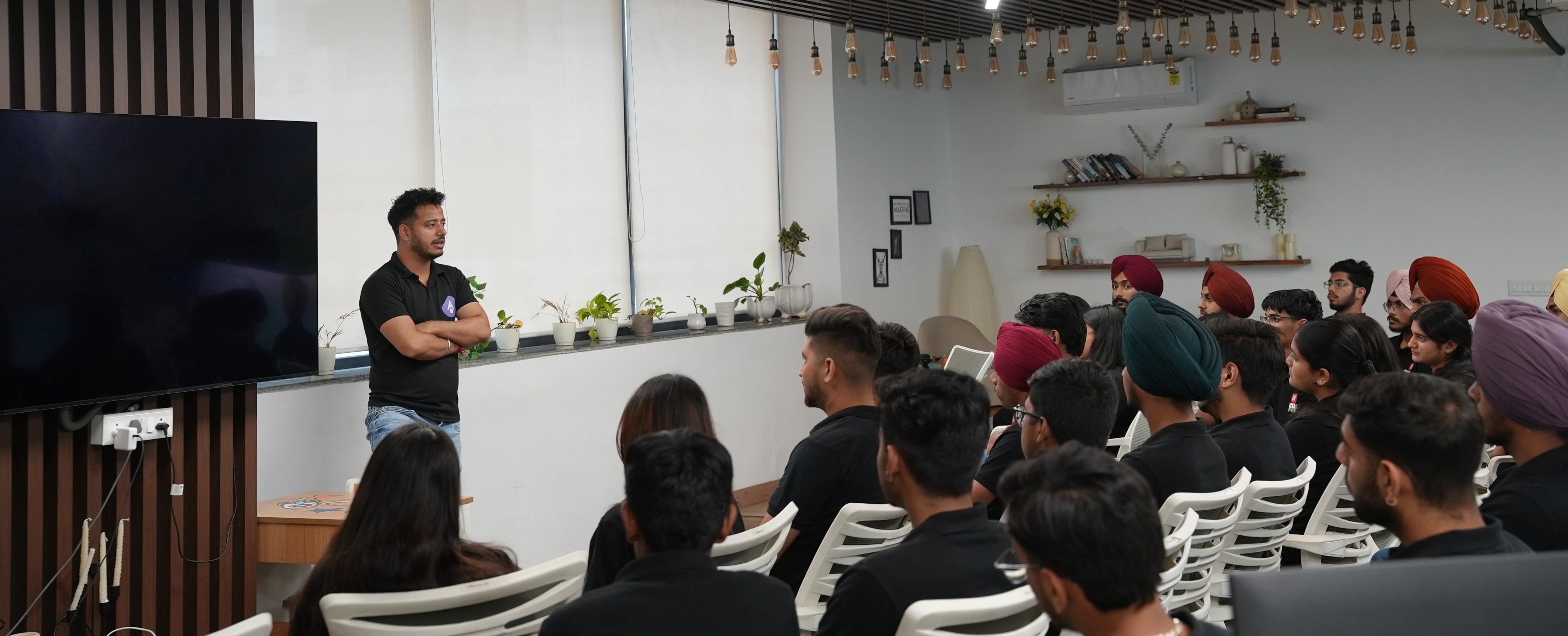
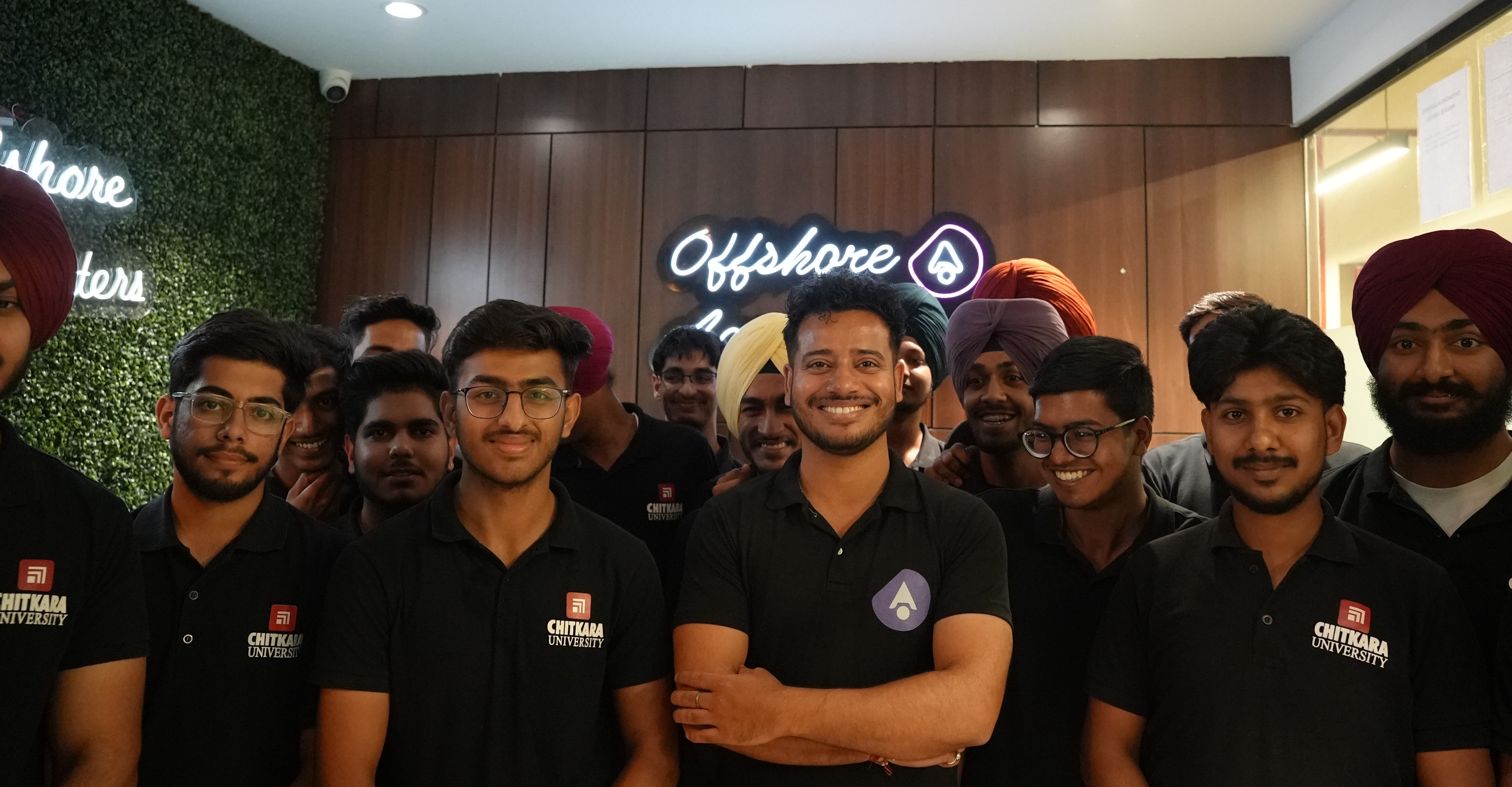
          Offshore Academics is the training arm of Offshore Marketers. You don't learn through outdated tutorials or sample footage. You work on real editing projects, from social media reels to promotional videos. Every assignment is designed to build practical skills and a portfolio that reflects industry standards from Week 1.

          01
          Real Client Work Only
          Senior video editors only
          02

          Senior video editors only

          No junior trainers reading slides at you. Every module is led by a senior video editor with industry experience creating content for brands and agencies. Learn professional workflows, editing techniques, motion graphics, and client-ready delivery standards directly from editors working on real commercial projects.

          One-on-one, not classroom

          Forget classes of 20. You're paired with one senior editor for all 12 weeks. Get personalized feedback on every project, improve your storytelling, editing decisions, and creative workflow with mentor guidance. Your questions are answered as they come up, helping you learn faster and build confidence with every assignment.

          03
          One-on-one, not classroom
          Try before you pay
          04

          Try before you pay

          Join 3 live editing sessions during a 7-day free trial. Watch real footage transformed into professional content while experiencing the teaching style firsthand. Explore the curriculum, meet your mentor, and see how projects are reviewed before enrolling. No card required. No commitment.

          What You Get

          Everything you need to land a real job, not just finish a course.

          01

          Learn from Experts

          Learn video editing from industry professionals sharing creative techniques, editing workflows, and storytelling strategies used in real production environments daily.

          02

          On-Hand Learning

          Experience hands-on video editing training through practical assignments, live editing sessions, and real-world projects designed for professional skill development.

          03

          Paid Tools Access

          Get access to premium video editing software and professional tools without additional costs while mastering advanced editing and production techniques.

          04

          Live Projects

          Work on live video editing projects, strengthen your portfolio, gain practical experience, and develop confidence handling professional editing tasks efficiently.

          05

          Influencer Interaction

          Connect with successful video creators and editing influencers, learn content strategies, discover creative trends, and grow your professional editing career.

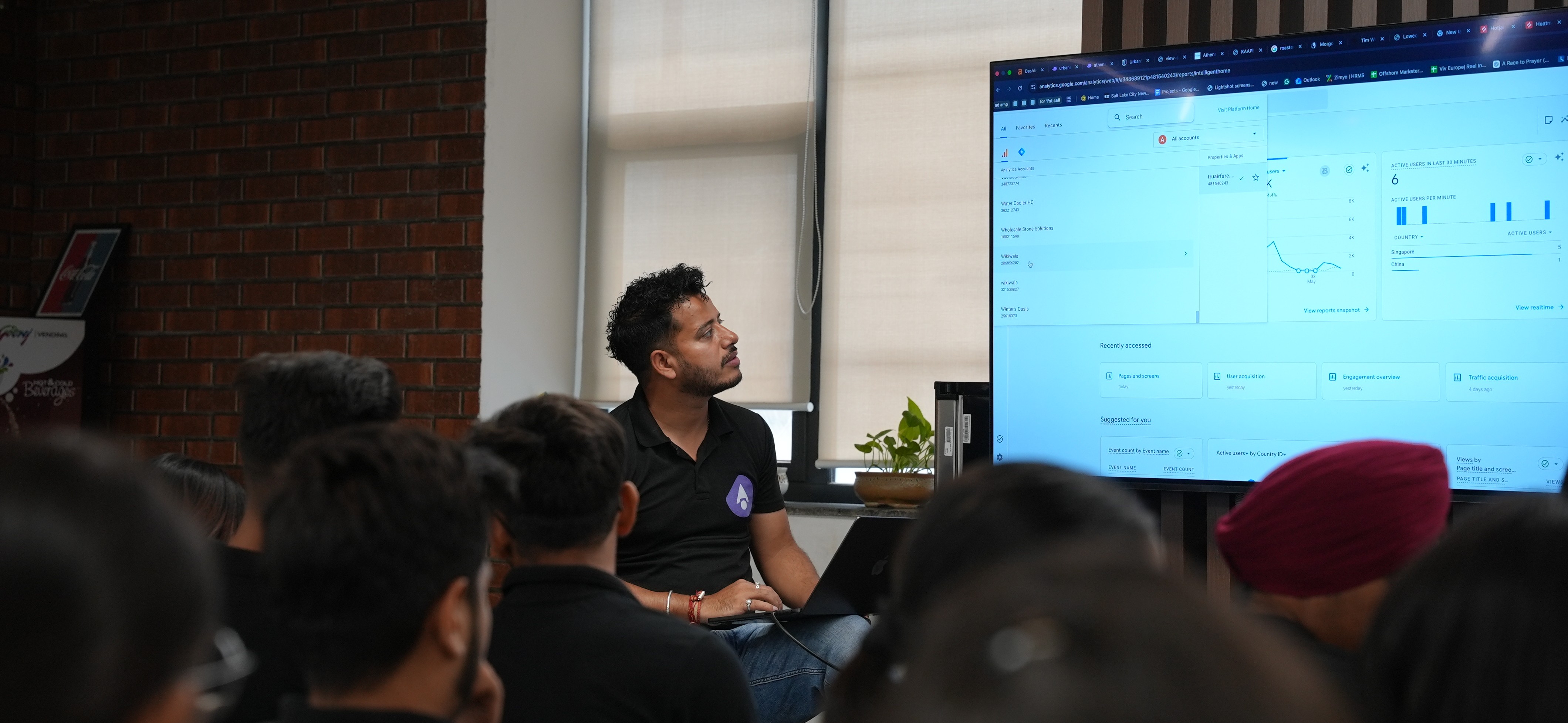
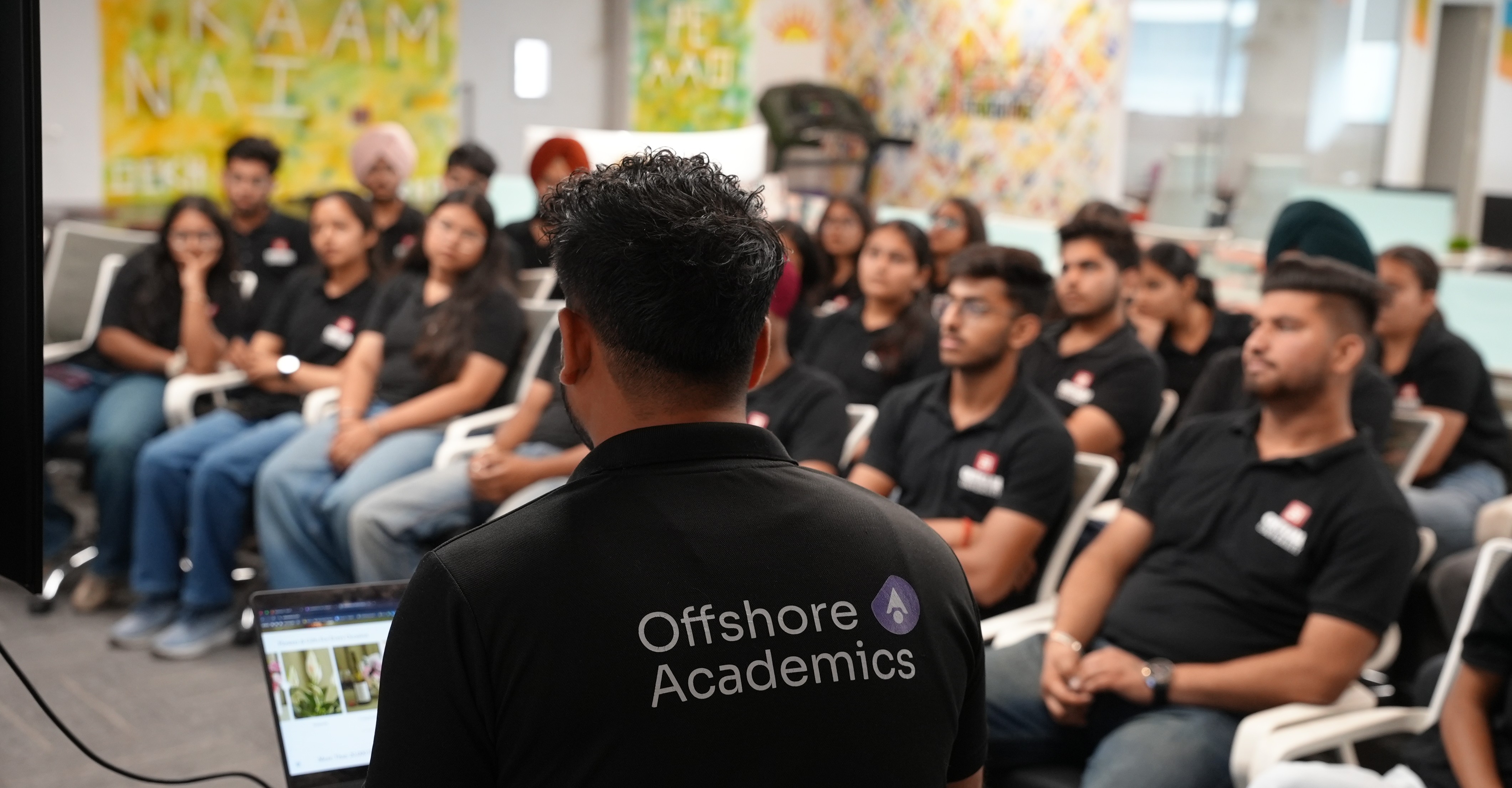
          A Day at Offshore Academics

          See Exactly What You're Signing Up For

          ×

          Meet our mentors

          Masterclass Highlight

          Certifications:
          Best known for:

          Your Real Career Starts with Offshore Academics

          Real skills. Real industry exposure. Real career outcomes
          for students who mean business.

          Your Inspiration

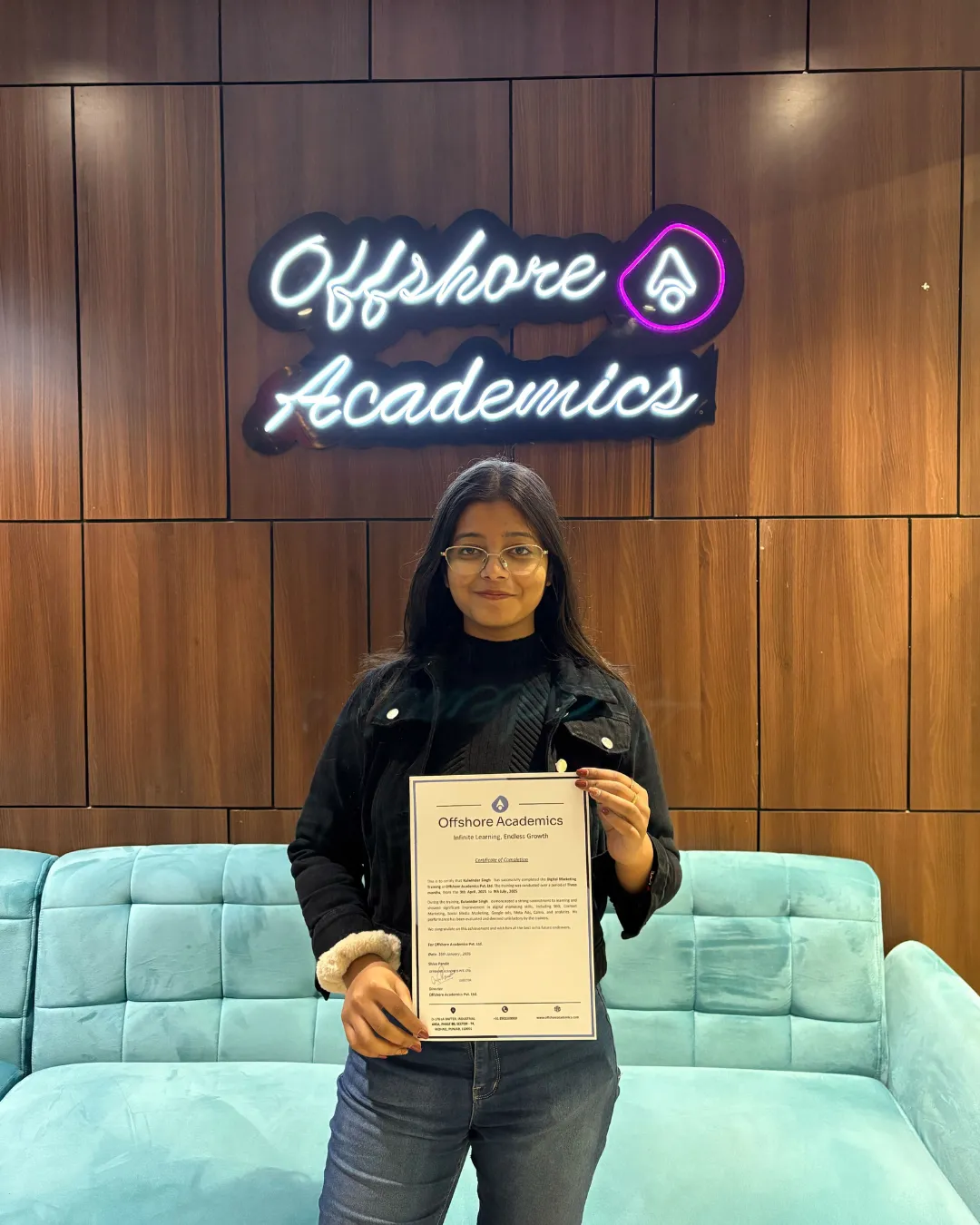
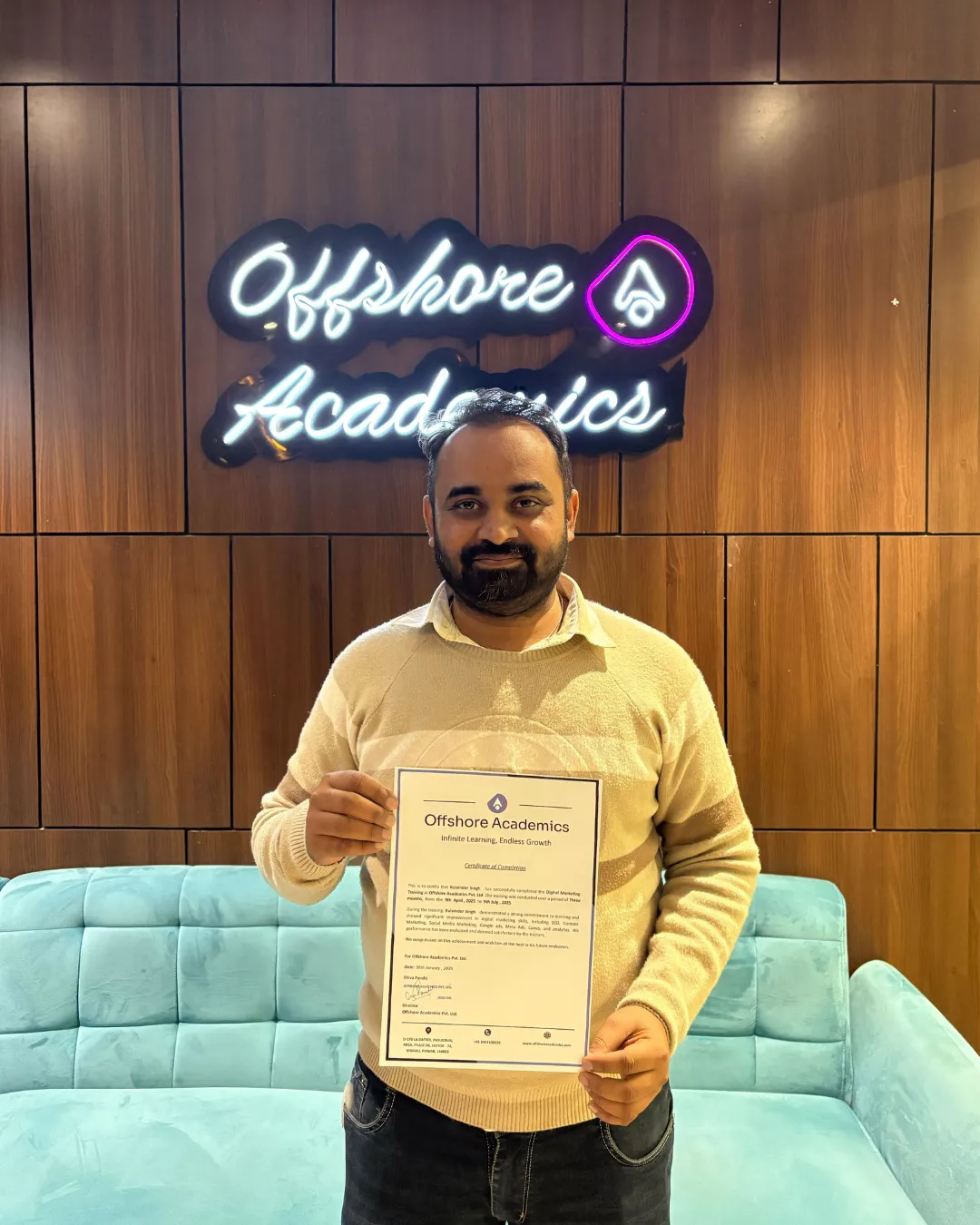
          Meet our certified learners! Students, freelancers, and employers are mastering in-demand skills with Offshore Academics.
          quote-left

          testimonial

          Choose Offshore Academics

          AND HERE'S EXACTLY WHY THEY CHOOSE US

          Empowering Students with Knowledge, Confidence, and Success – Offshore Academics Leads the Way!

          Industry-Relevant Curriculum

          Stay up-to-date with our Premiere Pro training course that covers the latest video editing trends, techniques, and tools to ensure you're always learning what's in demand.

          Personalized Mentorship

          Get one-on-one support from Premiere Pro experts. Receive personalized feedback and advice throughout your Premiere Pro training course, sharpening your video editing skills.

          Job & Freelance Support

          Learn key Premiere Pro video editing skills and gain the connections needed to secure jobs or freelance projects in the growing video production industry.

          Live & Recorded Sessions

          Enjoy the flexibility of live and recorded sessions in the Premiere Pro online course, allowing you to learn at your own pace and create professional video projects.

          Interactive Workshops

          Engage in hands-on Premiere Pro workshops, where you can apply your skills to create polished, professional-quality videos while building your portfolio.

          Laurel

          272K+

          Learners mastering
          in-demand skills

          Laurel
          Laurel

          18.4M+

          Hours of hands-on
          learning completed

          Laurel
          Laurel

          20+

          Expert-led
          courses available

          Laurel
          Laurel

          100%

          Learner
          satisfaction rate

          Laurel
          Laurel

          272K+

          Learners mastering
          in-demand skills

          Laurel
          Laurel

          18.4M+

          Hours of hands-on
          learning completed

          Laurel
          Laurel

          20+

          Expert-led
          courses available

          Laurel
          Laurel

          100%

          Learner
          satisfaction rate

          Laurel

          Your Questions

          Do I need any prior video editing experience to join this course?
          No prior experience is required. This course is designed for complete beginners as well as those with some basic knowledge who want to sharpen their skills professionally.
          How long will it take to complete the course and start editing videos?
          The course is flexible and can be completed in 3-6 months, depending on your pace. You’ll start editing your own videos right away, with hands-on projects to apply what you’ve learned immediately.
          What tools will I learn to use in this course?
          In this Premiere Pro certification course, you’ll learn how to use Premiere Pro's powerful video editing tools, including cutting, color grading, audio editing, and special effects. You’ll gain a solid understanding of all the tools and techniques required to produce professional-level video content.
          Can I create professional-quality videos with no experience?
          Yes! This course is designed to help you go from beginner to advanced. You’ll learn everything, from setting up your workspace to mastering advanced editing techniques, so you can create high-quality videos even if you’re just starting out.
          How do I know if Premiere Pro is the right tool for me?
          If you want to create high-quality, professional video content, Premiere Pro is the industry-standard video editing software. This course will teach you how to use it for a range of projects, from social media videos to films and documentaries, giving you the skills needed for the job market.
          Will I receive a certificate after completing the course?
          Yes, upon successful completion you will receive an industry-recognised Video Editing Certificate from Offshore Academics that you can showcase on your resume and LinkedIn profile.
          Is this course available online, offline, or both?
          We offer hybrid learning — you can attend classes online from anywhere or visit our centre for in-person sessions, whichever suits your schedule best.
          What kind of projects will I work on during the course?
          You will work on real-world projects including short films, YouTube content, brand promotional videos, reels, and client-style briefs to build a strong portfolio by the end of the course.
          How long is the Video Editing course?
          The course duration is 12 weeks. Classes are scheduled flexibly so working professionals and students can both manage it alongside their existing commitments.
          Will I learn colour grading and audio mixing as well?
          Yes, the curriculum covers professional colour grading, LUTs, audio syncing, noise reduction, and sound design — skills that set a professional editor apart from an amateur.
          Can I use this course to start freelancing or get a job?
          Absolutely. The course includes modules on building a freelance portfolio, pitching clients, pricing your services, and preparing for job roles like Video Editor, Content Creator, and Motion Graphics Designer.
          What is the fee structure and are there any EMI options?
          We offer flexible payment plans and EMI options to make the course accessible. You can fill out the enquiry form or contact us directly to get the latest fee details.
          Is there a free trial or demo class available?
          Yes, we offer a 7-day free trial so you can experience the teaching style and course quality before making any commitment.
          How is this course different from free YouTube tutorials?
          Unlike scattered free content, our course follows a structured curriculum with live mentorship, real project feedback, peer learning, and career support — giving you a complete professional learning experience rather than fragmented self-study.

          Let's Talk about the
          Next Big Thing